How to Use a Spotify Gift Card: Ultimate Guide
Have you ever received a Spotify gift card and wondered how to make the most of it? Whether you want to unlock ad-free music, create playlists, or enjoy exclusive content, knowing how to use your gift card is the first step.
This guide will walk you through the simple process, so you can start enjoying all the benefits Spotify offers without any hassle. Keep reading, and you’ll be streaming your favorite tunes in no time!
What Is A Spotify Gift Card
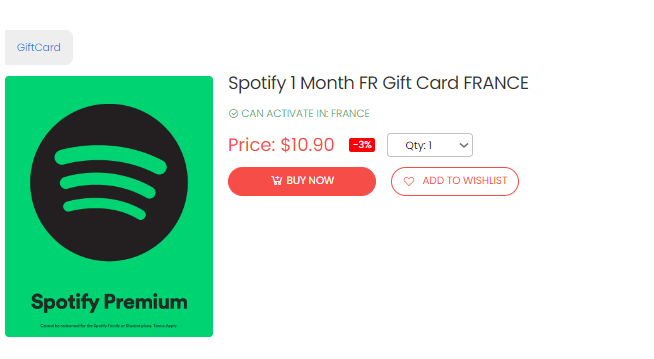
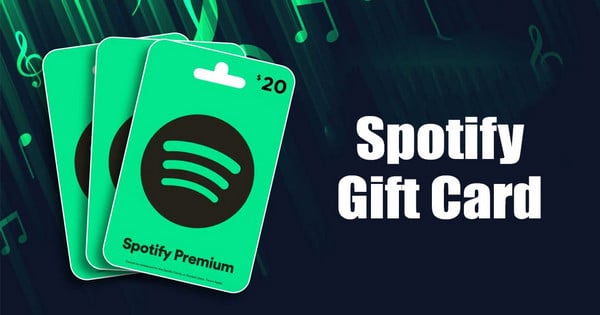
A Spotify Gift Card is a simple way to give someone access to Spotify’s premium music streaming service without needing their payment details. It works like a prepaid card loaded with a specific amount, which the recipient can redeem to enjoy ad-free music, offline listening, and other premium features.
Think of it as a pass to unlimited music that you can share with friends or family. It’s perfect for music lovers who want to experience Spotify Premium but haven’t subscribed yet or for those who want to extend their subscription without using credit cards.
What Does A Spotify Gift Card Include?
Spotify Gift Cards usually come with a set dollar value, such as $10, $30, or $60, which corresponds to a certain number of premium subscription days or months. You can buy these cards online or at physical stores like supermarkets and electronics shops.
Each card includes a unique code that you enter on Spotify’s website or app to redeem the credit. After redeeming, the value is applied to your account, extending your premium membership accordingly.
Who Can Use A Spotify Gift Card?
Anyone with a Spotify account can use a gift card, whether they are new users or existing subscribers. If you already have a premium subscription, the card’s value will add to your remaining subscription time.
Keep in mind that Spotify Gift Cards are region-specific, so you need to make sure the card matches the country of your Spotify account. Using a card bought in a different country might not work due to regional restrictions.
How Does A Spotify Gift Card Benefit You?
- Convenience:No need to share credit card info or worry about monthly billing.
- Control:You decide how much to spend and when to redeem the card.
- Gift-Ready:It’s a great present for friends and family who love music.
Imagine gifting a friend a Spotify Gift Card and seeing them discover new artists without any ads or interruptions. It’s a small gesture that can brighten someone’s day through music.

Credit: giftcard8.com
Where To Buy Spotify Gift Cards
Finding a Spotify gift card is simple and fast. Several places sell these cards, both online and offline. Choose the one that fits your needs and budget.
Official Spotify Website
Spotify sells gift cards directly through its website. You can buy digital cards here. They are delivered by email. This option is quick and safe.
Retail Stores
Many retail stores carry Spotify gift cards. Look for them in supermarkets, convenience stores, or electronics shops. These cards come in physical form. You can pay with cash or card at checkout.
Online Marketplaces
Websites like Amazon and eBay offer Spotify gift cards. Check the seller’s ratings to avoid scams. Digital or physical cards are available. Delivery time varies depending on the seller.
Mobile App Stores
Google Play and Apple App Store sell Spotify gift cards. Purchase through your smartphone easily. The cards add credit to your Spotify account. This method is handy for mobile users.
How To Redeem A Spotify Gift Card
Redeeming a Spotify gift card is a quick way to enjoy uninterrupted music, podcasts, and more. Whether you prefer using your computer or mobile device, the process is straightforward and user-friendly. Here’s how to redeem your Spotify gift card easily on both desktop and mobile platforms.
Redeeming On Desktop
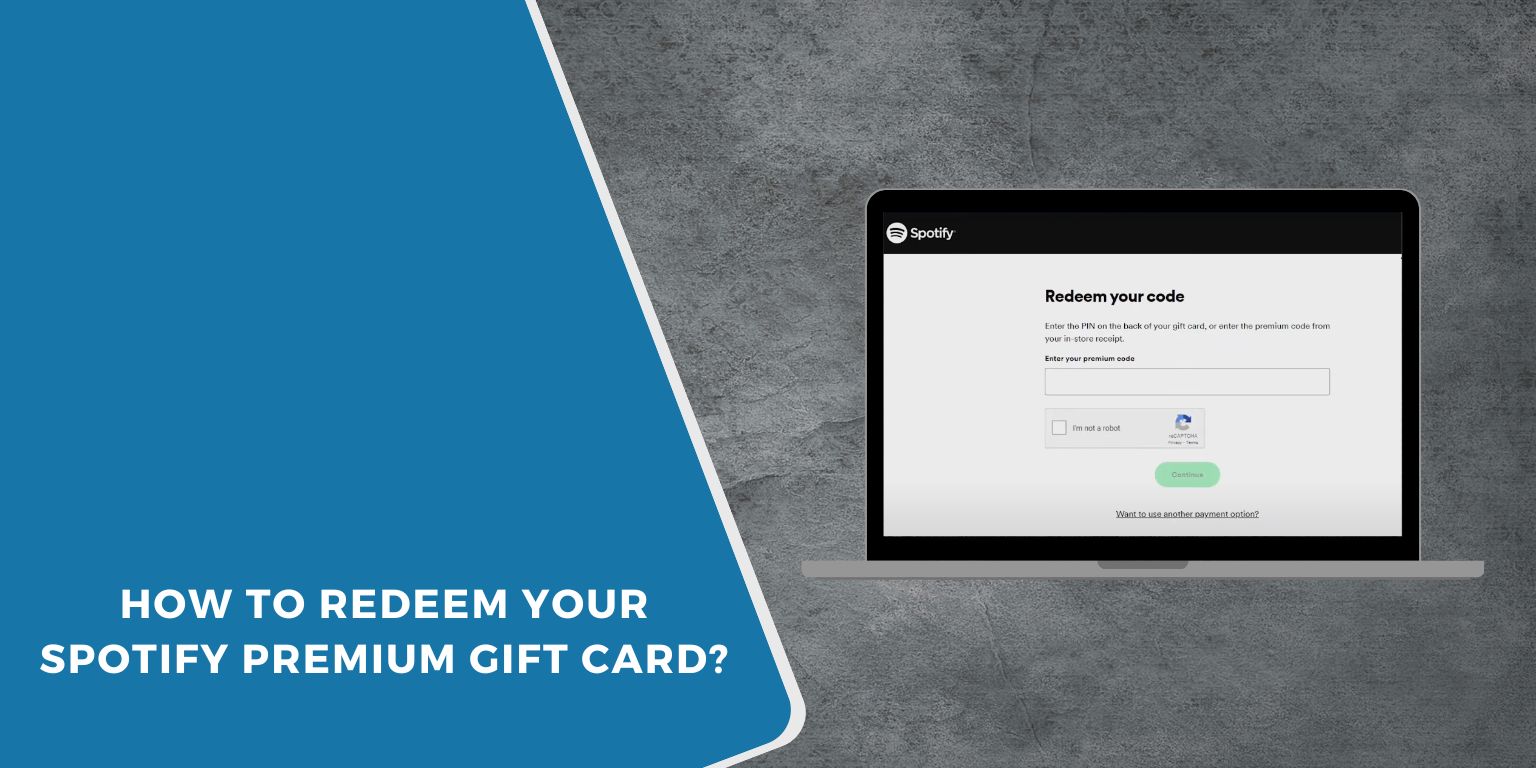
Open your preferred web browser and go to spotify.com/redeem. Make sure you’re logged into your Spotify account before entering your gift card code.
Enter the code found on the back of your gift card into the text box. Click Redeemand wait a moment for Spotify to apply your credit.
If you’ve never used a gift card before, you might see a prompt asking you to select a subscription plan. This step confirms how your credit will be applied, whether for Premium or other offers.
Redeeming On Mobile
Open the Spotify app on your smartphone or tablet. Tap the Hometab, then select the gear icon to open settings.
Scroll down to find Accountand tap on it. Look for an option labeled Redeemor Redeem Code.
Type in the code from your gift card, then tap Redeem. Your account will update immediately, giving you access to Spotify Premium features.
Have you ever tried redeeming a gift card only to get stuck? Double-check the code and your internet connection. These small steps can save you time and frustration.
Using Gift Cards For Premium Plans
Using a Spotify gift card for Premium plans is simple and flexible. You can apply the card balance to different types of subscriptions. This lets you enjoy ad-free music without worrying about monthly payments. Each plan offers unique features and suits different listening needs.
Individual Plans
The Individual Plan lets one person stream music without ads. Redeem your gift card by entering the code in your account settings. The gift card balance covers your monthly fee until it runs out. After that, Spotify bills your saved payment method automatically.
This plan is perfect for solo listeners who want full access to Spotify’s library. You get offline listening, unlimited skips, and high-quality audio. Using a gift card here helps manage your subscription without linking a credit card.
Family Plans
The Family Plan allows up to six people to share one subscription. Each member gets their own Premium account under the same payment. Use your gift card to pay for the whole family’s monthly fee. The balance decreases each billing cycle until used up.
This plan suits families or groups who want separate playlists but one payment. Everyone enjoys ad-free music and can listen offline. Gift cards make it easy to prepay for several months or gift a family member’s subscription.
Student Plans
Spotify offers a discounted Premium plan for eligible students. You can redeem a gift card on this plan just like others. The card balance pays for your monthly student subscription fees. After the balance ends, your saved payment method is charged.
The Student Plan includes all Premium features at a lower price. It is a good way to save money on music streaming. Using a gift card helps avoid monthly credit card charges and control spending.
Troubleshooting Common Issues
Using a Spotify gift card is usually smooth, but some issues can arise. Knowing how to fix common problems saves time and frustration. Below are solutions to frequent errors users face.
Invalid Code Errors
Sometimes, Spotify shows an “Invalid Code” message. This often happens due to typing mistakes.
- Check for extra spaces before or after the code.
- Ensure you enter letters and numbers exactly as shown.
- Avoid confusing similar characters like “O” and “0.”
- Use uppercase letters if the code requires it.
If the code still doesn’t work, confirm you have not already redeemed it.
Expired Cards
Spotify gift cards can have expiration dates. An expired card will not add credit.
- Look for the expiration date on the card or its packaging.
- Contact the seller if you suspect the card expired before purchase.
- Spotify does not accept expired cards, so check dates carefully.
Regional Restrictions
Spotify gift cards often work only in specific countries or regions.
- Make sure the card matches your Spotify account’s country.
- Cards bought in one country may not work in another.
- Change your Spotify country setting if you have moved recently.
- Contact Spotify support for help with region-related issues.
Credit: getwplinks.com
Benefits Of Using Spotify Gift Cards
Spotify gift cards offer a simple and flexible way to enjoy music. They provide many benefits for both new and existing users. Using these cards can enhance your Spotify experience without hassle.
Easy To Use And Redeem
Spotify gift cards come with a code. Entering this code adds credit to your account quickly. No need for a credit card or bank details. Perfect for anyone who prefers simple payment methods.
Great For Gifting
These cards make thoughtful gifts for music lovers. They suit birthdays, holidays, or special occasions. Giving a Spotify gift card lets the receiver pick their favorite music plan.
Control Your Spending
Gift cards help manage monthly expenses. You spend only the amount on the card. No surprise charges or automatic renewals. This control helps avoid overspending on subscriptions.
Access To Premium Features
Using a Spotify gift card can unlock premium features. Enjoy ad-free music, offline listening, and higher sound quality. These perks improve your overall listening experience.
Works Without A Bank Account
Spotify gift cards allow access without a bank account. Ideal for those without credit or debit cards. Anyone can enjoy Spotify’s services with a simple gift card.
Tips For Managing Your Spotify Balance
Managing your Spotify balance effectively can enhance your music experience without interruptions. Knowing how to track and use your balance wisely helps you enjoy uninterrupted playlists and avoid unexpected payment issues. Let’s look at some practical tips to keep your Spotify balance in check and make the most out of your gift card.
Check Your Balance Regularly
Make it a habit to check your Spotify balance often. This simple step prevents surprises when your subscription renews. You can view your balance in the account settings, which updates after every payment or top-up.
I once forgot to check my balance and was surprised when my subscription paused mid-month. Since then, I check it weekly to avoid that frustration. Have you ever lost access to your favorite playlist because of an expired balance?
Set Up Notifications For Low Balance
Spotify allows you to receive alerts when your balance runs low. Activating these notifications helps you add funds before your subscription stops. This way, your music keeps playing without any gaps.
Think about how often you miss important reminders in daily life. Why let your music subscription be one of them?
Use Your Balance For Premium Features
Spotify gift cards cover premium subscriptions and other paid features. Prioritize using your balance for the premium plan to enjoy ad-free listening, offline downloads, and better sound quality. Avoid spending it on less essential add-ons if you want to stretch the value.
Keep Track Of Multiple Gift Cards
If you redeem several gift cards, keep a record of when and how much each adds to your balance. Use a simple table or note to track this information, so you know exactly how much credit you have left.
| Gift Card Code | Amount Added | Date Redeemed | Remaining Balance |
|---|---|---|---|
| ABC123XYZ | $30 | May 10, 2024 | $15 |
| XYZ789ABC | $20 | June 1, 2024 | $20 |
Tracking like this helped me avoid confusion and ensured I always knew when to add more funds. How do you keep your digital balances organized?
Credit: www.sidify.com
Frequently Asked Questions
How Do I Redeem A Spotify Gift Card?
To redeem, log into your Spotify account. Go to the redeem page. Enter the card code carefully. Click “Redeem” to add the balance. The credit applies immediately to your subscription or account.
Can I Use A Spotify Gift Card Internationally?
Yes, Spotify gift cards work in most supported countries. However, the card must match the country of your Spotify account. Check the card’s regional restrictions before redeeming to avoid any issues.
What Can I Buy With A Spotify Gift Card?
You can use the gift card balance to pay for Spotify Premium plans. It covers individual, family, or student subscriptions. It cannot be exchanged for cash or used for other services.
What If My Spotify Gift Card Isn’t Working?
Check if the card is activated and valid. Ensure your Spotify account country matches the card region. Contact Spotify support with the card details for help if problems persist.
Conclusion
Using a Spotify gift card is simple and quick. Just redeem the code on your account. Enjoy ad-free music and playlists anytime you want. It helps you explore new songs and artists easily. No need for credit cards or extra steps.
Gift cards also make great presents for friends and family. Keep your account active without monthly bills. Try it today and enjoy your favorite tunes without interruptions. Music made easy, just for you.

Similar Posts