How to Use a Visa Gift Card in Store: Easy Guide
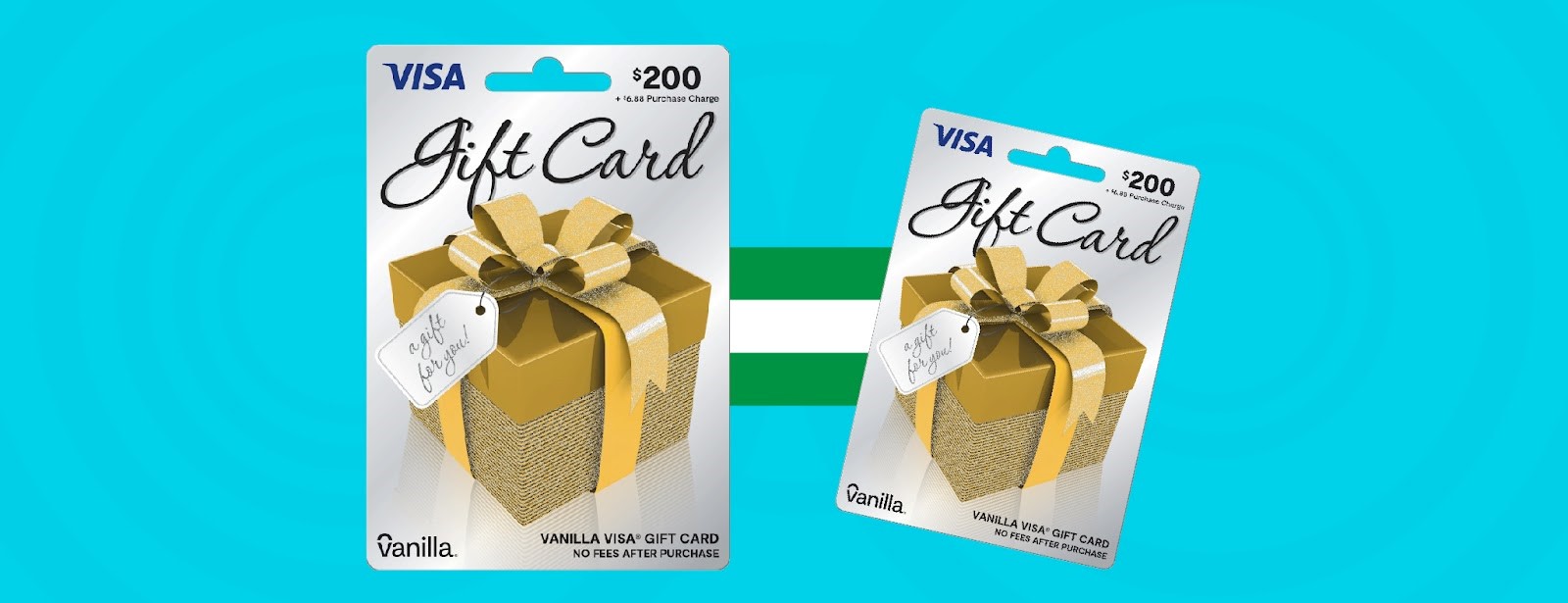
Have you ever wondered how to use a Visa gift card in a store without any hassle? Whether you received one as a gift or bought it for yourself, knowing the right way to use it can save you time and avoid awkward moments at checkout.
This simple guide will walk you through every step, so you can shop confidently and get the most out of your Visa gift card. Keep reading—you’ll be surprised how easy it is to make it work just like a regular card.

Credit: thepointsguy.com
Getting Started With Your Visa Gift Card
Starting with your Visa gift card is simple and quick. First, make sure the card is ready to use before heading out. This helps avoid any surprises at checkout. Follow clear steps to activate the card and check your balance. These steps ensure smooth purchases and better control over your spending.
Activating Your Card
Most Visa gift cards need activation before use. Activation usually happens online or by phone. Look for instructions on the card packaging or the back of the card. You might need the card number, expiration date, and security code. Activation only takes a few minutes. Keep the receipt or confirmation for your records.
Checking Your Balance
Knowing your card balance helps prevent declined payments. Check your balance online on the card issuer’s website. Some cards allow balance checks by phone or mobile app. You can also check the balance at stores that accept Visa cards. Keep track of your spending to avoid going over the limit.

Credit: thepointsguy.com
Using Your Visa Gift Card In Store
Using your Visa Gift Card in store is straightforward once you know the key steps. It works much like a regular debit or credit card, but there are a few tips to keep in mind to ensure smooth transactions. Let’s break down how to make the most of your card at checkout.
Presenting Your Card At Checkout
When you’re ready to pay, hand your Visa Gift Card to the cashier just like any other card. You can swipe, insert, or tap it depending on the store’s payment system. If you’re using a chip-enabled terminal, insert your card and follow the prompts.
Don’t forget to sign the receipt if needed, especially for purchases over a certain amount. Some stores might ask for an ID, so keep it handy. This simple step confirms your card is ready for use and speeds up the checkout.
Choosing The Right Payment Option
At checkout, you might be asked how you want to pay—credit or debit. Always choose “credit” even if your Visa Gift Card requires a PIN. This avoids declines since most gift cards don’t have linked checking accounts.
Wondering why this matters? Selecting “debit” can cause your card to be rejected. If prompted for a PIN and you don’t have one, try entering “0000” or call the card issuer to set one up before shopping again.
Handling Transactions Over The Card Balance
If your purchase exceeds your card balance, split the payment between your Visa Gift Card and another payment method. Inform the cashier upfront to avoid confusion. You’ll pay the remaining amount with cash, debit, or credit.
Some stores have trouble processing split payments, so consider checking your balance before shopping. You can usually do this online or by calling the number on the back of your card. Staying aware of your balance helps you avoid surprises at checkout.
Tips For Smooth Transactions
Using a Visa gift card in stores can be easy with a few simple tips. These help avoid problems and keep your payment smooth. Follow these tricks to make every purchase quick and stress-free.
Keeping Receipts
Always keep your receipt after using your Visa gift card. It helps track your spending and check the balance. Receipts also prove purchases in case of disputes or returns. Store receipts in a safe place until you confirm your card balance.
Avoiding Common Issues
- Check your card balance before shopping to avoid declines.
- Use the exact amount or less than your card balance.
- Tell the cashier you are using a gift card to avoid confusion.
- Split payments if the purchase is more than the card value.
- Sign the back of your card to prevent misuse.
When To Use A Pin
Some Visa gift cards ask for a PIN during payment. Use your PIN at stores requiring debit transactions. If you do not have a PIN, select credit payment and sign instead.
Call the card provider to set or reset your PIN before shopping. A PIN protects your card and speeds up the checkout process.
Managing Your Visa Gift Card
Managing your Visa Gift Card effectively can make your shopping experience smooth and stress-free. Keeping a close eye on your card’s balance and knowing what to do if issues arise helps you avoid surprises at checkout. Let’s look at simple ways to stay in control of your card and protect its value.
Tracking Your Spending
Keeping track of your Visa Gift Card balance is key. Many cards offer online portals or mobile apps where you can check your remaining funds instantly. This saves you from declined purchases and helps you budget better.
If you prefer, jot down each purchase in a notebook or use a budgeting app to log your spending. This habit not only prevents overspending but also helps you spot any unauthorized charges quickly.
Reloading Options
Some Visa Gift Cards allow you to add more money after the initial amount is spent. Check if your card supports reloading by visiting the issuer’s website or reading the card’s terms. If it does, you can extend the card’s usability without needing to buy a new one.
Reloading can be done through bank transfers, direct deposits, or even at certain retail locations. Knowing your options ahead of time ensures you won’t be stuck without funds when you need them.
Reporting Lost Or Stolen Cards
Lost or stolen cards pose a risk, but acting fast can protect your money. Contact the card issuer immediately once you realize your card is missing. Most providers have customer service numbers or online forms dedicated to reporting such issues.
Be ready with your card number and purchase receipt if possible. Reporting quickly increases the chance of recovering your balance or getting a replacement card without losing funds.
Credit: www.londondrugs.com
Frequently Asked Questions
How Do I Activate A Visa Gift Card For In-store Use?
Most Visa gift cards activate automatically upon purchase. Some require online or phone activation. Check the card’s packaging for specific steps before using it in-store.
Can I Use A Visa Gift Card For Partial Payments?
Yes, you can use a Visa gift card for partial payments. Inform the cashier to split the payment between the gift card and another payment method.
What Should I Do If My Visa Gift Card Is Declined?
If declined, verify the card balance and activation status. Ensure the merchant accepts Visa gift cards. Contact customer service for further assistance if issues persist.
Are Visa Gift Cards Accepted At All Retail Stores?
Visa gift cards are widely accepted anywhere Visa debit cards are accepted. However, some merchants may not accept prepaid cards, so always confirm before purchase.
Conclusion
Using a Visa gift card in stores is simple and quick. Just treat it like a regular credit or debit card. Always check the card balance before shopping. Some stores may ask for a ZIP code. Keep your receipt for any returns or problems.
You can buy almost anything with it. Remember, the card will stop working when the balance reaches zero. Enjoy the convenience and safety of using your Visa gift card today.

Similar Posts































