How Do Steam Gift Card Work: Unlocking the Secrets of Digital Gaming Credits
Have you ever wondered how Steam Gift Cards actually work? If you’re looking to buy games, add funds to your Steam wallet, or gift a friend something special, understanding these cards is key.
You’ll discover exactly how to use Steam Gift Cards, how they benefit you, and some smart tips to get the most out of them. Keep reading, and you’ll unlock the secrets to making your gaming experience smoother and more enjoyable.
What Is A Steam Gift Card?
A Steam Gift Card is a prepaid card used to add funds to a Steam account. Steam is a popular platform for buying and playing video games. These gift cards help users purchase games, downloadable content, and other items on Steam.
Steam Gift Cards come in various amounts. They are available both online and in physical stores. The card has a code that you enter on Steam to add money to your wallet.
How Steam Gift Cards Are Used
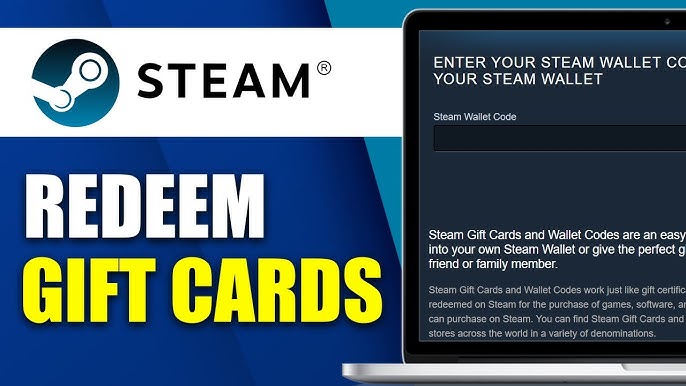
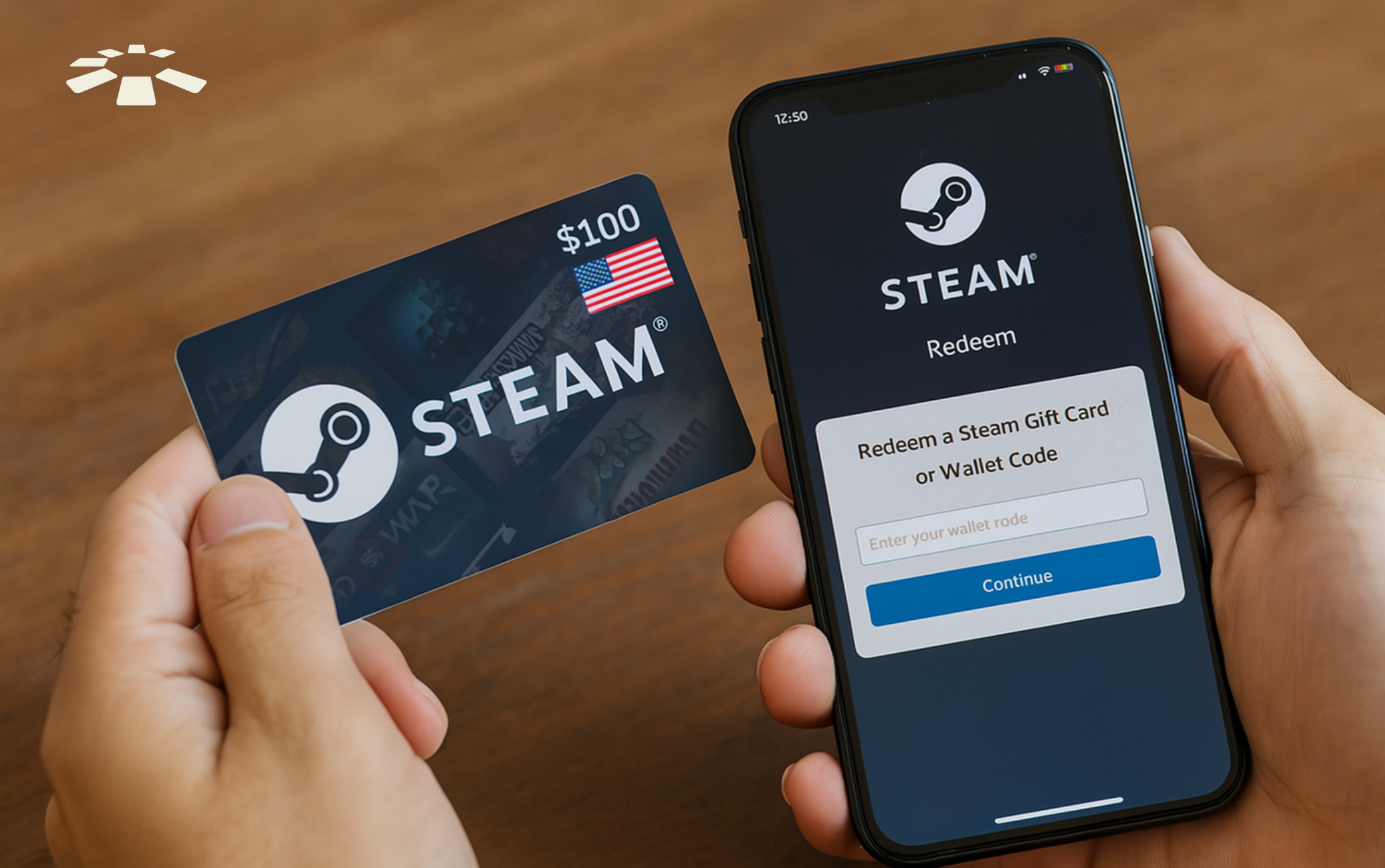
To use a Steam Gift Card, log into your Steam account. Then, go to the “Redeem a Steam Wallet Code” page. Enter the code from the gift card carefully. The balance will add to your Steam Wallet instantly. You can then spend this balance on games or other content.
Where To Buy Steam Gift Cards
- Official Steam website
- Online retailers like Amazon
- Game stores and electronics shops
- Supermarkets and convenience stores
- Easy to gift friends and family
- No need for credit cards
- Safe and secure payment method
- Works worldwide with regional restrictions
Purchasing Steam Gift Cards
Purchasing Steam Gift Cards is simple and flexible. These cards add credit to your Steam account. You can buy them in many places, both physical and online. Each option suits different needs and preferences. Understanding where to find these cards helps you get the best deal and convenience.
Retail Locations
Steam Gift Cards are available at many stores. These include gaming shops, electronics stores, and supermarkets. Cards come in physical form with a code inside. After purchase, scratch off the card to reveal the code. Use this code to add funds to your Steam wallet.
Retail stores often offer cards in set amounts. Common values are $20, $50, and $100. Buying in person allows you to pay with cash or card. It also makes a quick gift option for friends and family.
Online Platforms
Online shopping for Steam Gift Cards is fast and easy. Many websites sell digital codes instantly. These platforms include official Steam partners and trusted retailers. After payment, the code appears on your screen or in email.
Online cards offer a wide range of values. You can choose exact amounts to fit your budget. Delivery is immediate, perfect for last-minute gifts. Always buy from reliable sites to avoid scams.
Redeeming Steam Gift Cards
Redeeming a Steam Gift Card is a straightforward way to add funds to your Steam Wallet, letting you purchase games, software, or other digital content. Before you start, it’s important to understand the requirements and the exact steps to ensure the process goes smoothly. Have you ever wondered what you really need on your Steam account to redeem a gift card without any hiccups?
Steam Account Requirements
First, you need an active Steam account. If you don’t have one, setting up an account is free and only takes a few minutes. Your account must be verified with a valid email address to redeem a gift card successfully.
Also, ensure your account region matches the region of the gift card. Steam enforces regional restrictions, so a card purchased in one country might not work if your account is registered in another. This can save you frustration and wasted effort.
Step-by-step Redemption Process
- Log in to your Steam account through the Steam client or website.
- Navigate to your account name at the top-right corner and click on “Account details.”
- Find and select the “Add funds to your Steam Wallet” option.
- Click on “Redeem a Steam Gift Card or Wallet Code.”
- Carefully enter the code found on your gift card and hit “Continue.”
- Confirm the details and complete the redemption to add the funds to your wallet.
I once mistyped a single character in the code and it took me a few tries to realize why it wasn’t working. Double-checking the code before submission saves you time and frustration.
After redemption, your new balance appears instantly, letting you browse and buy your favorite titles immediately. What’s the first game you plan to get after adding funds?
Using Steam Wallet Funds
Using Steam Wallet funds is a straightforward way to manage your spending on Steam. Once you redeem a Steam Gift Card, the amount gets added to your wallet balance instantly. This balance acts like digital cash, letting you buy games, downloadable content (DLC), and even make in-game purchases without needing to enter payment details every time.
Buying Games And Dlcs
When you find a game or DLC you want, simply click the purchase button. Steam automatically uses your wallet funds to complete the transaction if you have enough balance.
This process is quick and convenient. You avoid the hassle of entering credit card information or worrying about payment security.
Have you ever waited hours for a purchase to go through? Using wallet funds speeds that up significantly.
In-game Purchases
Your Steam Wallet can also pay for in-game items like skins, expansions, or character boosts.
Instead of linking separate payment methods for each game, your wallet acts as a universal fund source. This makes buying in-game content seamless and fast.
Think about the last time you wanted to upgrade your character immediately. Wallet funds allow you to do that without interrupting your gameplay.
Benefits Of Steam Gift Cards
Steam gift cards offer several advantages for gamers and gift buyers. They provide an easy way to buy games, add-ons, and other content on Steam. These cards help control spending and give freedom to choose desired games. Understanding their benefits highlights why many prefer them for gaming purchases and gifts.
Gifting Flexibility
Steam gift cards make giving games simple and personal. The recipient can select any game or content they want. There is no need to guess their favorite game. Cards come in various amounts to suit any budget. They also work across many countries, making them ideal for friends far away.
Budget Management
Steam gift cards help manage spending on games. You load a fixed amount on the card, avoiding overspending. This is useful for parents controlling their children’s game budget. It also helps players stick to their gaming budget. You can plan purchases better with this clear spending limit.

Credit: store.steampowered.com
Common Issues And Solutions
Using Steam gift cards is generally straightforward, but you might run into a few hiccups along the way. Knowing common issues and how to fix them can save you time and frustration. Let’s look at some typical problems users face and practical solutions that work.
Invalid Codes
One of the most frequent issues is receiving an “invalid code” error when trying to redeem your Steam gift card. This usually happens because the code was entered incorrectly, or the card has already been used.
Double-check every character in the code. Steam codes are case-sensitive and do not include confusing characters like ‘O’ and ‘0’ or ‘I’ and ‘1’. A small typo can cause the whole code to be rejected.
If you’re sure the code is correct, consider where you bought the card. Unauthorized sellers sometimes provide fake or expired codes. Buying from official or reputable retailers reduces this risk.
Have you ever bought a card only to find it doesn’t work? Contact Steam Support immediately with proof of purchase. They can verify the code’s status and offer guidance.
Account Security
Steam accounts are valuable, so security is crucial when redeeming gift cards. Using codes on a compromised account could lead to loss of funds or unauthorized purchases.
Always ensure your Steam account has Steam Guard enabled. This two-factor authentication adds an extra layer of protection when you redeem codes or make transactions.
Be wary of phishing attempts asking for your code or login information. Never share your gift card code with others, even if they claim to be Steam support.
If you suspect your account has been hacked after redeeming a card, change your password immediately and contact Steam Support. Acting quickly can prevent further damage.
Future Of Digital Gaming Credits
The future of digital gaming credits looks bright and full of change. These credits are not just for buying games anymore. They are becoming part of a larger digital economy within gaming platforms. Players and developers both benefit from new ways to use and trade these credits.
As gaming grows, digital credits will play a bigger role. They help simplify buying and trading in-game items. They also create new chances for gamers to earn rewards and connect with each other.
Emerging Trends
- Integration of blockchain for secure transactions
- Use of credits for buying virtual goods and services
- Growing popularity of cross-platform credit use
- Introduction of subscription models using credits
- More games offering credit rewards for achievements
Impact On Gaming Industry
Digital credits change how developers earn money. They can offer more flexible pricing and sales options. Credits create new ways to keep players engaged longer. Players spend more time and money inside games.
These credits also help smaller developers enter the market. Lower barriers to buying games or content increase sales. The gaming community becomes more active and connected.

Credit: store.steampowered.com
Credit: cardtonic.com
Frequently Asked Questions
How Do Steam Gift Cards Work?
Steam gift cards add funds to your Steam Wallet. You redeem a code on Steam to use the balance for games or content purchases. They are a simple way to gift or fund your gaming account securely.
Where Can I Buy Steam Gift Cards?
You can buy Steam gift cards online or at retail stores. Popular sellers include Steam’s official website, Amazon, Walmart, and gaming shops. Ensure you purchase from trusted sources to avoid scams or invalid codes.
Can Steam Gift Cards Be Used Internationally?
Yes, but Steam gift cards are region-locked. You must redeem the card in the same region where it was purchased. Using cards from different regions may result in errors or unusable funds.
Are Steam Gift Cards Refundable Or Exchangeable?
No, Steam gift cards are generally non-refundable and non-exchangeable. Once redeemed or purchased, the value cannot be returned or transferred. Always check the terms before buying to avoid unwanted issues.
Conclusion
Steam Gift Cards let you add money to your Steam account easily. You can buy games, software, or other items using the card balance. No credit card needed, making it safe and simple. Just enter the code on Steam, and your funds update right away.
Many people use these cards as gifts or to control spending. Understanding how they work helps you use them better. Try a Steam Gift Card next time to enjoy a smooth buying experience. Simple, quick, and convenient for every gamer.

Similar Posts































