How to Buy Steam Gift Card: Ultimate Guide

Are you looking to add more games or content to your Steam account without hassle? Buying a Steam gift card is one of the easiest ways to do just that.
But how exactly do you buy one, and what should you watch out for? In this guide, you’ll discover simple steps to get your Steam gift card quickly and safely. By the end, you’ll feel confident making your purchase and ready to enjoy your favorite games even more.
Let’s dive in and make sure you get the best value for your money.
Choosing The Right Steam Gift Card
Choosing the right Steam gift card can make a big difference in how much joy your gift brings. It’s not just about picking any card; it’s about matching the card to the recipient’s gaming habits and preferences. Understanding the options available helps you make a smarter purchase that your friend or family member will truly appreciate.
Different Denominations Available
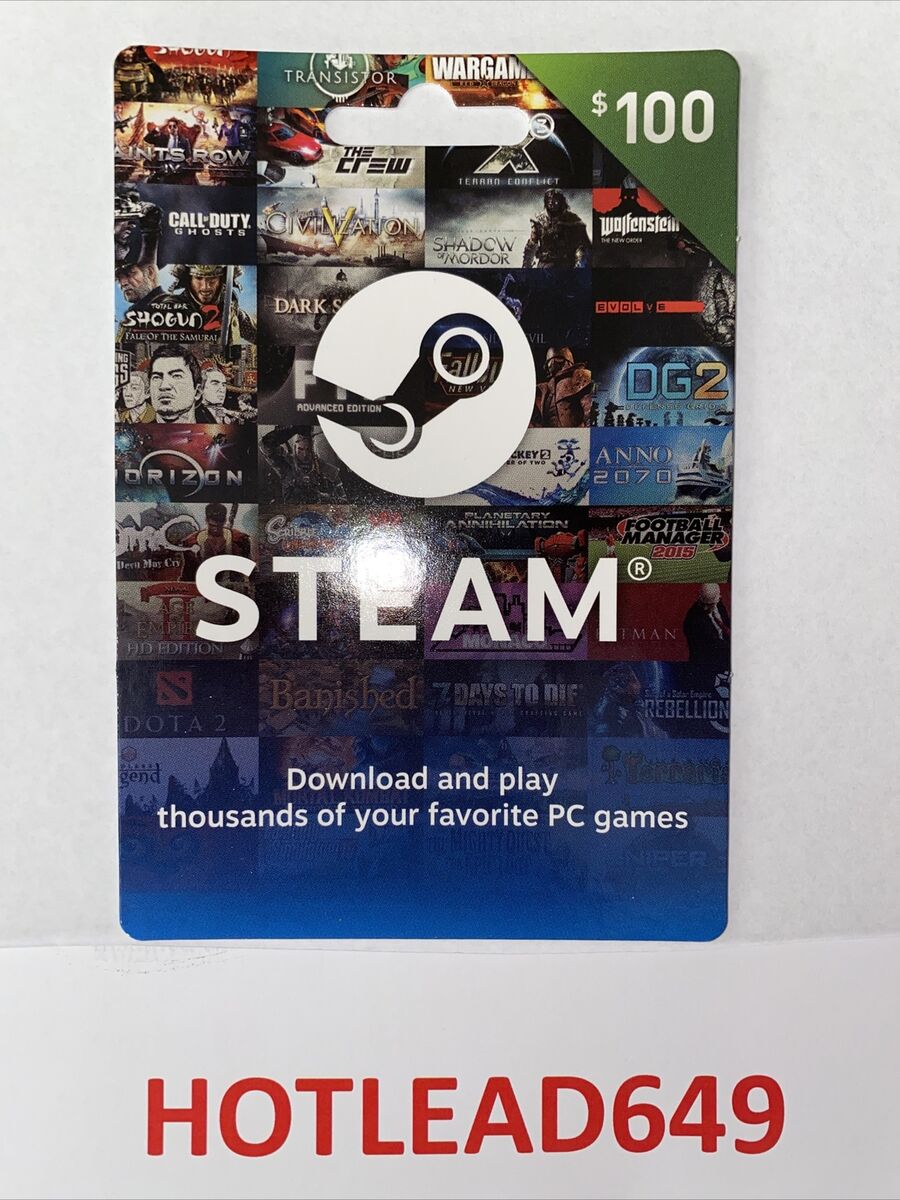
Steam gift cards come in various denominations, typically ranging from $20 up to $100. Smaller amounts are great if you want to add a little extra to someone’s balance, while larger amounts can cover the cost of multiple games or bigger titles.
Think about how much the recipient usually spends on games. If they enjoy buying indie games or frequent sales, a $20 or $30 card might be enough. For those who prefer big AAA releases, a $50 or $100 card could be a better fit.
Selecting Based On Recipient Needs
Consider what types of games the recipient likes and how they use Steam. Do they buy a lot of downloadable content (DLC) or in-game items? If yes, a card with a higher value might offer more flexibility.
Also, check if they have a wishlist or a game pre-ordered. Adding the exact amount needed to cover that purchase makes your gift instantly useful. You could even ask subtly about their upcoming game plans without spoiling the surprise.
Regional Restrictions To Consider
Steam gift cards are region-locked, meaning a card bought in one country may not work in another. This is crucial if you’re sending a gift internationally.
Always verify the recipient’s Steam store region before buying. If you accidentally choose a card from the wrong region, the recipient won’t be able to redeem it, which can be frustrating for both of you.
Credit: www.ebay.com
Where To Buy Steam Gift Cards
Knowing where to buy Steam Gift Cards is key to a smooth gaming experience. Choosing the right place ensures you get a valid card without any hassle. Let’s look at the best spots to purchase your Steam Gift Cards safely and conveniently.
Official Retailers And Online Stores
Official retailers are the safest bet for buying Steam Gift Cards. Stores like Walmart, Best Buy, and Target carry physical cards you can grab while shopping. These cards are guaranteed authentic, and you can use them immediately after purchase.
Online, the official Steam website sells digital gift cards directly. This option is fast and secure—you receive a code instantly via email. Buying from the official Steam store removes any guesswork about legitimacy.
Trusted Third-party Sellers
Sometimes, you might find Steam Gift Cards on websites like Amazon or game-focused platforms like Green Man Gaming. These sellers often offer competitive prices or bundles. Always check seller ratings and reviews to ensure they are reliable.
Some online marketplaces provide convenient digital delivery and international options. Just confirm the card’s region compatibility with your Steam account to avoid activation issues. Trusted sellers often have return policies for added peace of mind.
Avoiding Scams And Fraudulent Sellers
Scammers target gamers looking for discounted Steam Gift Cards. You should avoid deals that look too good to be true or sellers without verified feedback. Never buy cards through social media ads or unknown websites.
Check the card’s authenticity by purchasing from known sources only. If a price seems suspiciously low or payment methods are unusual, walk away. Protecting your account starts with buying from trustworthy sellers.
Purchasing Steam Gift Cards Online
Purchasing Steam gift cards online offers a fast and easy way to add funds to your Steam wallet. Many websites sell these cards digitally, allowing instant delivery after purchase. Buying online saves time and lets you shop from home or anywhere with internet access.
Ensure the website is trustworthy before making a purchase. Always check for secure payment options and read reviews if possible. Digital gift cards come as codes you can redeem directly on Steam. Keep these codes safe to avoid losing your credit.
Step-by-step Buying Process
- Visit a reputable website that sells Steam gift cards.
- Select the card value you want to buy.
- Add the card to your shopping cart.
- Proceed to checkout and enter your details.
- Complete the payment using the available options.
- Receive a confirmation email with your digital code.
- Redeem the code on your Steam account to add funds.
Payment Options And Security
Most sites accept credit cards, PayPal, or other popular online payment methods. Choose the option you trust the most.
Look for secure website features like HTTPS and a padlock icon in the browser. These indicate a safe connection.
Avoid sharing personal or financial information on suspicious or unknown sites. Use two-factor authentication for extra account safety.
Receiving Digital Codes Safely
After purchase, digital codes arrive via email or on the website’s confirmation page. Save the code carefully.
Do not share your code with others. Anyone with the code can use the funds.
Check the email sender’s address and avoid clicking links from unknown emails to prevent scams.

Credit: www.amazon.com
Using Steam Gift Cards
Using Steam Gift Cards is a simple way to add funds to your Steam account. These cards provide a prepaid balance that you can spend on games, downloadable content, and other items in the Steam store.
Steam Gift Cards offer flexibility. You can redeem the codes at any time and use the balance at your convenience. This makes them perfect for gifting or managing your gaming budget easily.
Redeeming Codes On Steam
To redeem a Steam Gift Card code, open the Steam client or visit the Steam website. Find the “Redeem a Steam Wallet Code” option in your account menu. Enter the code carefully and confirm. The funds will add instantly to your Steam Wallet balance.
Adding Funds To Wallet
Once you redeem a code, the balance appears in your Steam Wallet. Use it to buy games, software, or in-game items. The wallet funds stay until you spend them. You can add multiple gift cards to increase your balance over time.
Gift Card Expiration And Refund Policies
- Steam Gift Cards do not expire after purchase.
- Unused balances remain valid indefinitely.
- Steam usually does not offer refunds on gift cards.
- Check local laws for consumer protection rules.
- Lost or stolen codes cannot be replaced by Steam.
Tips For Gifting Steam Cards
Gifting a Steam card is a great way to share gaming fun. Small touches make your gift stand out and feel special. Thoughtful timing and pairing the card with other gifts add value. These tips help you give a gift that truly delights.
Personalizing Your Gift
Add a personal note with the Steam card. Mention a game they like or a fun memory. Use a card design that matches their style. Personal touches show you care and make the gift unique.
Timing Your Purchase
Buy the Steam card before big sales or events. This way, the receiver can get the best deals. Plan ahead for birthdays or holidays. Early buying avoids last-minute stress and ensures timely delivery.
Combining With Other Gifts
Pair the Steam card with gaming accessories or merchandise. A headset, mouse, or game poster works well. Small extras make the gift feel bigger and more thoughtful. This combo excites any gamer and boosts the surprise.

Credit: www.g2a.com
Frequently Asked Questions
How Do I Buy A Steam Gift Card Online?
You can buy Steam gift cards from the official Steam store or trusted retailers. Use secure payment methods for safety. Digital cards are delivered instantly via email.
Can I Use Steam Gift Cards Internationally?
Yes, Steam gift cards work internationally but must match the currency of your Steam account. Check regional restrictions before purchase.
Where Can I Redeem My Steam Gift Card?
Redeem your Steam gift card by logging into your Steam account. Go to “Games” > “Redeem a Steam Wallet Code” and enter the code.
Are Steam Gift Cards Refundable Or Exchangeable?
No, Steam gift cards are non-refundable and cannot be exchanged. Ensure you buy from authorized sellers to avoid fraud.
Conclusion
Buying a Steam gift card is easy and quick. Choose a trusted seller to avoid problems. Check the card’s value and read the instructions carefully. Keep your code safe and use it on Steam. This helps you buy games or items without hassle.
Now, you can enjoy gaming with a simple gift card purchase.

Similar Posts































