How to Use Gift Card on Uber: Maximize Your Rides
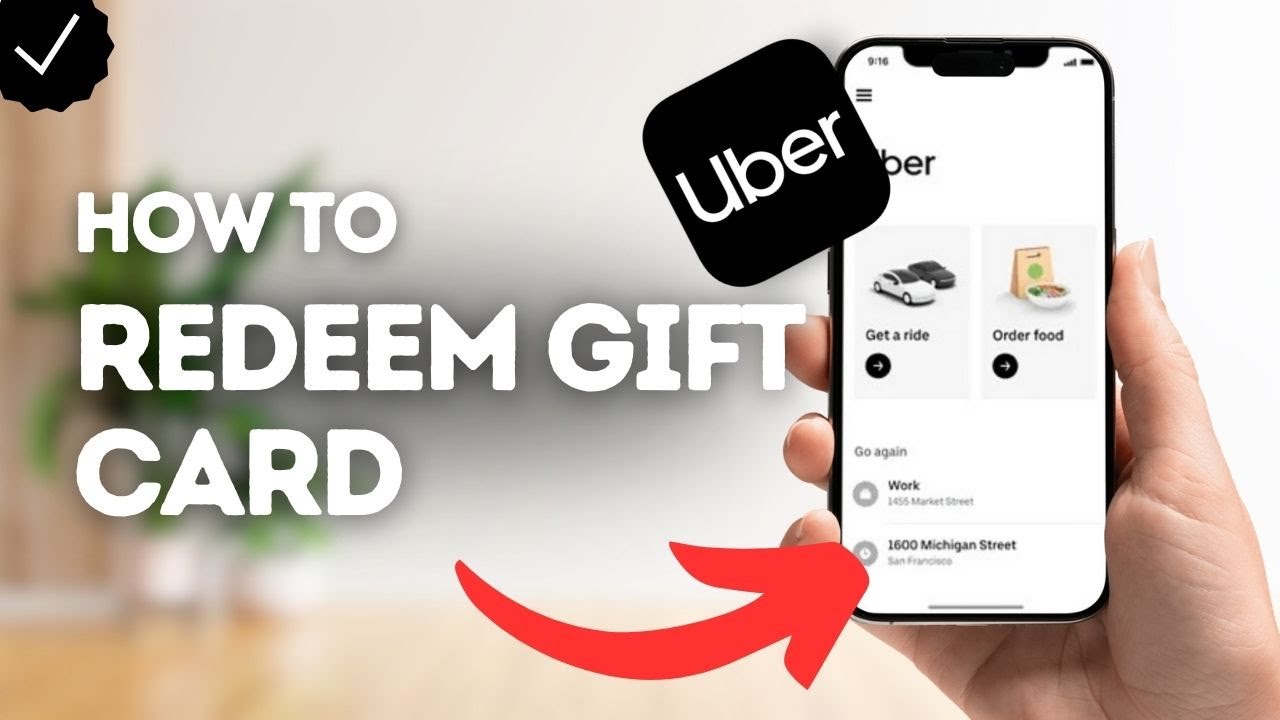
Have you ever wondered how to make the most out of your Uber gift card? If you have one sitting in your wallet or inbox, you’re just a few simple steps away from turning it into rides or food deliveries.
Using a gift card on Uber is easier than you think, and once you know how, you’ll never miss a chance to save or enjoy a free ride. In this guide, you’ll learn exactly how to redeem and use your Uber gift card quickly and effortlessly.
Keep reading to unlock the full value of your gift and make every trip count!

Credit: x.com
Adding Gift Card To Uber Account
Adding a gift card to your Uber account is simple and quick. It lets you pay for rides without using cash or cards each time. This method is handy for budgeting your travel expenses or gifting rides to friends and family.
The process involves entering the gift card code into your Uber app or website. Once added, the balance shows up and is used automatically for your next trips. Knowing where to find your gift card code and how to redeem it helps avoid common issues.
Where To Find Gift Card Codes
- Physical cards have the code on the back, under a scratch-off panel.
- Electronic gift cards include the code in the email or on the purchase receipt.
- Some gift cards may have the code printed on the packaging or inside a booklet.
- Check your email inbox and spam folder for digital codes.
Steps To Redeem Gift Card
- Open the Uber app or visit the Uber website.
- Go to the “Payment” section in the menu.
- Choose “Add Payment Method” or “Add Gift Card.”
- Enter the gift card code exactly as shown.
- Confirm the code to add the balance to your account.
- The balance appears in your payment methods for future rides.
Common Redemption Issues
- Incorrect code entry leads to an error message.
- Expired cards cannot be used and show as invalid.
- Gift cards may only work in certain countries or regions.
- Using a code more than once will not add extra balance.
- Contact Uber support if the card balance does not update.

Credit: www.youtube.com
Applying Gift Card Balance For Rides
Using your Uber gift card balance for rides is straightforward once you know where to apply it. The balance you add can cover all or part of your fare, saving you from reaching for your credit card. Let’s walk through how to make sure your gift card balance is working for you every time you book a ride.
Selecting Payment Method
After opening the Uber app and entering your destination, head to the payment section before confirming your ride. Here, you can select your gift card balance as the payment method if it’s already added to your account. If you haven’t added it yet, simply enter the gift card code under “Add Payment Method” to load the funds.
Remember, Uber automatically uses your gift card balance first before charging any other payment method you have linked. This means you don’t have to manually switch every time—once loaded, your gift card balance handles the payment until it’s fully used up.
Using Gift Card For Different Ride Types
Your gift card balance can be applied to various Uber services, not just the basic rides. Whether you choose UberX, UberPOOL, or even UberXL, the balance will be deducted from your total fare. Some premium or specialized services might have restrictions, so check the app’s payment options if you’re booking something unique like Uber Black.
Think about your typical rides. Do you mostly use Uber for quick solo trips or group outings? Knowing this can help you decide how much balance to keep on your gift card for convenience.
Checking Gift Card Balance Before Ride
It’s smart to check your gift card balance before requesting a ride to avoid surprises. Open the Uber app, go to the “Wallet” or “Payment” section, and you’ll see the current balance displayed clearly. If the balance is low, you can add more funds or prepare an alternative payment method ahead of time.
Have you ever found yourself stuck without enough balance during a trip? Keeping an eye on your gift card balance beforehand ensures a smooth ride without last-minute payment hassles.
Maximizing Gift Card Value
Maximizing the value of your Uber gift card means making each dollar stretch further than you expect. It’s about combining smart choices and timing to get more rides or deliveries without extra cost. Let’s look at practical ways you can do this, so your gift card balance goes a long way.
Combining Gift Cards With Promotions
Have you ever checked Uber’s promotions before booking? Adding a gift card balance to a ride that also qualifies for a promo can save you a surprising amount. Promotions might include discounts, ride credits, or cashback offers.
Use your gift card first to cover the ride cost, then apply any available promo codes or discounts. Sometimes, Uber allows stacking these offers, which means you pay less out of pocket and use your gift card balance efficiently. Keep an eye on the Uber app’s “Promotions” tab to spot deals that match your travel plans.
Using Gift Cards For Shared Rides
Shared rides are a great way to stretch your gift card funds, especially if you don’t mind a slightly longer trip. Pooling your ride with others typically costs less than a private trip. This means your gift card balance can cover more rides or longer distances.
Consider shared rides during non-peak hours when Uber offers more pooling options. This approach not only saves money but also introduces you to a more social and eco-friendly way to get around. How often do you think about ridesharing to save on transport costs?
Saving Gift Card Balance For Peak Times
Peak hours often bring higher prices due to demand. Holding onto your gift card balance for these times can actually give you more convenience without the extra cost. If you use your gift card during surge pricing, you avoid dipping into your personal funds for those expensive rides.
Plan ahead and save your gift card balance for emergencies or busy times like weekends, holidays, or bad weather. This strategy keeps you ready for unexpected trips and helps you avoid paying surge prices out of pocket. What’s your biggest reason for needing a ride at peak time?

Credit: www.tiktok.com
Gift Cards For Uber Eats
Gift cards for Uber Eats offer a simple way to enjoy your favorite meals. They provide flexibility and convenience for food delivery. These cards work like cash on the Uber Eats app. You can use them for any restaurant available on the platform.
Gift cards are perfect for gifting or personal use. Redeeming and using them is quick and easy. This helps you save time and control your spending on food delivery.
Redeeming Gift Cards On Uber Eats
Open the Uber Eats app or website. Go to the payment section. Select the option to add a gift card. Enter the gift card code carefully. Confirm the code to apply the balance to your account. The gift card balance shows in your wallet. It applies automatically during checkout for your orders.
Using Gift Card Credits For Food Delivery
Choose your favorite meal from the app. Add the items to your cart. At checkout, your gift card balance appears as a payment option. Use the gift card balance to pay fully or partially. If the order costs more, pay the difference with another payment method. Gift card credits help you order meals without using cash. Track your remaining balance easily in your Uber Eats wallet.
Troubleshooting Gift Card Problems
Troubleshooting gift card problems on Uber can be simple. Common issues include expired cards, invalid codes, or difficulties applying the card to your account. Knowing the right steps helps you fix problems quickly. Here are key areas to check and actions to take.
Expired Or Invalid Gift Cards
Check the expiration date on your gift card first. Uber gift cards usually have an expiry period. An expired card will not work, so verify this date before trying to use it.
Invalid codes often happen due to typos or incorrect entry. Carefully re-enter the code, making sure to avoid extra spaces or wrong characters. If the problem continues, the card might be used or damaged.
Contacting Uber Support
Contact Uber support for help with gift card problems. Use the app or website to reach the help section. Explain your issue clearly, including the gift card code and purchase details.
Uber support can check the card status and guide you on next steps. Keep your purchase receipt or email handy for quick verification.
Preventing Gift Card Fraud
Protect yourself from gift card fraud by buying cards only from trusted sources. Avoid third-party sellers that look suspicious or offer deeply discounted cards.
Never share your gift card code with strangers or online posts. Keep your card details private to avoid theft or misuse.
Check your Uber account often for unauthorized charges. Report any suspicious activity immediately to Uber support.
Frequently Asked Questions
How Do I Redeem An Uber Gift Card?
To redeem an Uber gift card, open the Uber app and go to the Payments section. Select “Add Promo/Gift Code,” enter your gift card code, and tap “Apply. ” The balance will be added to your account automatically for future rides or Uber Eats orders.
Can I Use Multiple Uber Gift Cards At Once?
Yes, you can add multiple Uber gift cards to your account. The balances will combine and apply automatically when you book a ride or order food, making it easy to use all your credits without manually selecting which card to use.
Where Can I Check My Uber Gift Card Balance?
You can check your Uber gift card balance in the Uber app under Payments. Your remaining gift card balance will appear alongside other payment methods. You can also visit the Uber website and log in to your account to view your balance.
Are Uber Gift Cards Valid For Uber Eats?
Yes, Uber gift cards work for both Uber rides and Uber Eats. The gift card balance applies automatically when you place an order through the Uber Eats app or Uber app, making it a convenient payment method for food delivery.
Conclusion
Using a gift card on Uber saves you money and makes rides easy. Enter the gift card code in your Uber app wallet. Your balance will show immediately. Pay for trips without using a credit card. Keep track of your gift card balance regularly.
This simple process makes traveling stress-free. Enjoy your Uber rides with less hassle. Remember to check expiration dates on gift cards. Spend your credits before they expire. This method works worldwide wherever Uber operates. Start using your gift card today for smooth rides.

Similar Posts































