How to Use Google Play Gift Card: Unlock Endless Fun
Have you ever wondered how to make the most out of your Google Play Gift Card? Whether you received one as a gift or bought it for yourself, knowing exactly how to use it can unlock a world of apps, games, movies, and more.
Imagine instantly accessing your favorite content without worrying about payment hassles. In this guide, you’ll discover simple steps to redeem your card, tips to avoid common mistakes, and smart ways to stretch its value further. Keep reading, and you’ll be ready to enjoy everything your Google Play Gift Card has to offer.
What Is A Google Play Gift Card
A Google Play Gift Card is a prepaid card that lets you add credit to your Google Play account. You can use it to buy apps, games, movies, books, and more from the Google Play Store. It’s a convenient way to control your spending or give someone the freedom to choose their favorite digital content.
What Does A Google Play Gift Card Look Like?
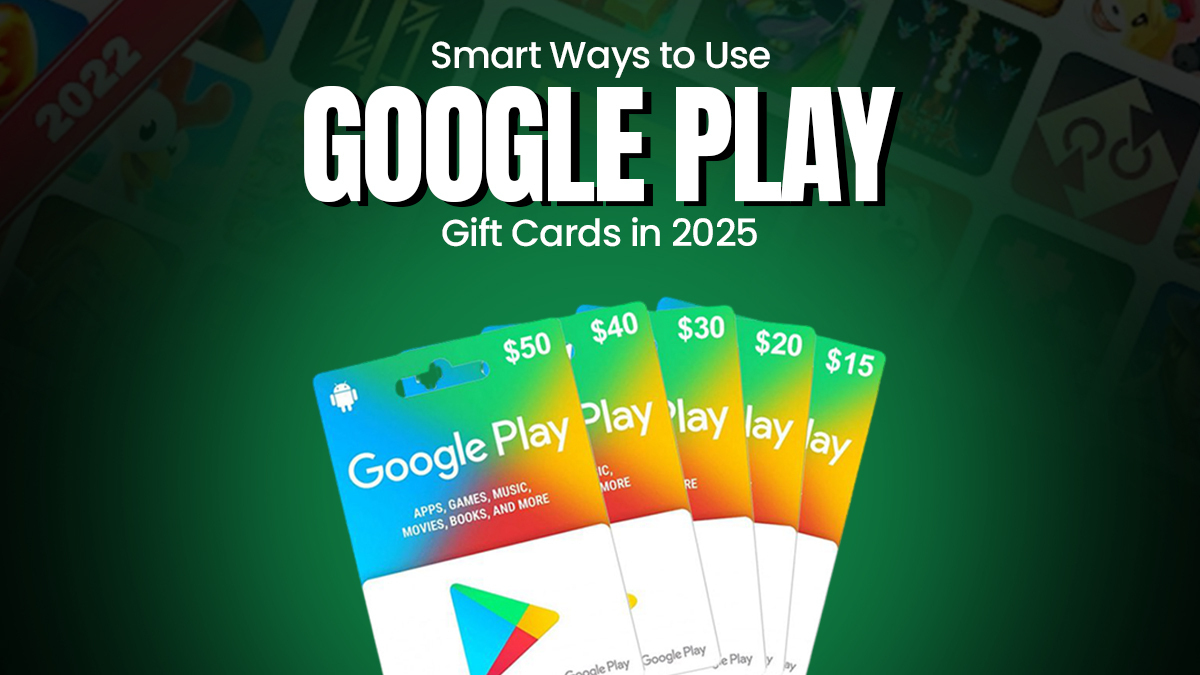
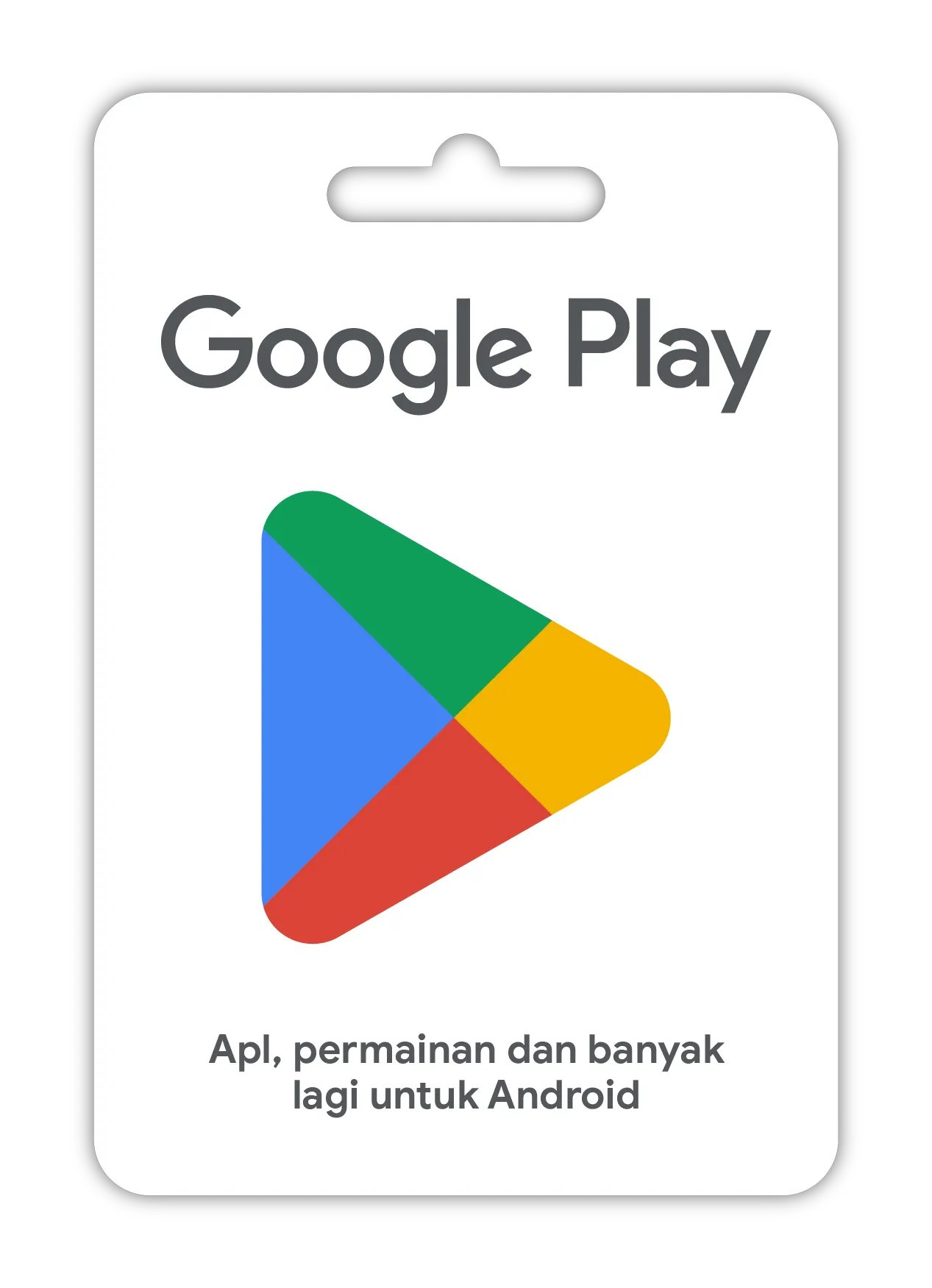
Google Play Gift Cards usually come as physical cards or digital codes. Physical cards have a scratch-off area revealing a unique code. Digital versions are sent via email, making them perfect for instant gifting.
Each card shows the value, like $10, $25, or $50, so you know exactly how much credit you’re adding. The design often features colorful Google Play icons, making it easy to recognize.
Where Can You Buy Google Play Gift Cards?
You can find these cards at many retail stores such as supermarkets, convenience stores, and electronics shops. Online platforms like Amazon also sell digital versions that you can purchase anytime.
Have you noticed how some gift cards come with bonus offers? It’s worth checking if any promotions are available before buying.
How Do You Redeem A Google Play Gift Card?
Redeeming is simple. Just open the Google Play Store app, tap on “Redeem,” and enter the code from your card. The credit immediately appears in your account balance.
This process works the same whether you have a physical card or a digital code. What would you buy first with your new credit?
What Can You Buy With Google Play Credit?
Your Google Play balance lets you buy a wide range of digital content. This includes apps, games, movies, TV shows, ebooks, and even subscriptions like Google Play Pass or YouTube Premium.
Think about the last app or game you wanted. Would having a gift card make it easier to get it right away?
Credit: play.google
Where To Buy Google Play Gift Cards
Google Play Gift Cards are easy to find and buy. They come in physical and digital forms. Many stores and websites sell these cards. Each option offers convenience and safety. Choose the place that suits your needs best.
Retail Stores
Many local shops sell Google Play Gift Cards. Grocery stores, convenience stores, and big box retailers often have them. Look near the checkout counters or gift card displays. Buying in person means no shipping wait.
Online Marketplaces
Online marketplaces offer a quick way to buy gift cards. Websites like Amazon and eBay have many sellers. Check the seller’s reputation before buying. Digital cards arrive instantly via email.
Official Google Play Website
Google’s own website sells gift cards. Purchase digital codes directly from the source. This method is safe and reliable. The code arrives immediately after payment.
Mobile Carrier Stores
Some mobile carrier stores offer Google Play Gift Cards. You can buy them alongside your phone plans. This option is useful if you visit the store regularly. Ask the staff if they have the cards available.
Supermarkets And Pharmacies
Many supermarkets and pharmacies stock Google Play Gift Cards. They often place them near the checkout lanes. These stores provide easy access during daily shopping trips.
Redeeming Your Google Play Gift Card
Redeeming your Google Play Gift Card is a straightforward way to add credit to your account, giving you access to apps, games, movies, and more. Whether you prefer using your phone or a computer, the process is designed to be quick and user-friendly. Let’s walk through how you can redeem your gift card and what to do if you encounter any issues.
Using The Google Play App
Open the Google Play Store app on your Android device. Tap your profile icon at the top right corner to open the menu.
Select Payments & subscriptions, then tap Redeem gift code. Enter the code from your gift card carefully, then hit Redeem.
You’ll see a confirmation message if the code was accepted, and the credit will be added to your Google Play balance immediately. Have you ever mistyped a code and felt the panic? Double-checking the characters before submitting can save you that frustration.
Redeeming On The Web
If you prefer using a computer, go to the Google Play Redeem page. Sign in with the Google account you want to add credit to.
Type the gift card code into the box and click Redeem. The balance updates instantly, and you can start shopping right away.
This method is especially handy if you have your gift card code saved digitally or if you find typing on a keyboard easier than on a phone screen.
Troubleshooting Redemption Issues
If your code doesn’t work, first ensure it’s entered exactly as shown. Watch out for confusing characters like “0” (zero) and “O” (the letter O).
Check if the card has already been redeemed or if it’s valid for your country. Google Play gift cards often have regional restrictions that can block redemption attempts.
Still stuck? Try these quick fixes:
- Restart the app or browser and try again.
- Clear your browser cache or app data.
- Update the Google Play Store app to the latest version.
If none of these work, contacting Google Play Support can help you resolve the issue efficiently. Have you experienced a tricky redemption problem before? Sharing your story might help others avoid the same hassle.

Credit: paddling.com
Ways To Use Your Google Play Balance
Your Google Play balance offers many ways to enjoy digital content. It acts like a wallet for apps, games, movies, and more. Use it to explore entertainment without reaching for your credit card. Spend your balance easily on various services and purchases within Google Play.
Purchasing Apps And Games
Use your balance to buy apps and games from the Google Play Store. Many apps are free, but some require payment. Your balance covers the full price or part of it. New apps and popular games appear every day. Simply select your favorite and pay with your balance.
Subscribing To Streaming Services
Subscribe to streaming services using your Google Play balance. Services like YouTube Premium or Google Play Music accept this payment. Pay monthly fees without linking a credit card. Enjoy music, videos, and ad-free experiences. Your balance makes it simple and secure.
Buying In-app Items And Upgrades
Enhance your apps and games by buying in-app items. These include extra lives, special tools, or premium features. Use your balance to make quick purchases inside apps. It helps you improve your experience without extra steps. Many users find this option very convenient.
Renting Or Buying Movies And Tv Shows
Spend your balance on movies and TV shows available on Google Play. Choose to rent or buy titles and watch on multiple devices. Rentals last for a limited time, while purchases are yours forever. Find new releases and classic favorites. Enjoy cinema at home with your balance.
Tips To Maximize Your Gift Card
Using a Google Play Gift Card wisely can stretch your spending power. Smart use helps you get more apps, games, or movies without extra cost. Follow simple tips to make your gift card last longer and bring you more value.
Combining Balance With Promotions
Check Google Play for current deals before spending your gift card. Promotions often lower prices or add bonuses on purchases. Use your gift card balance along with these offers. This way, you pay less and enjoy more content.
Look out for:
- Discounts on apps and games
- Bonus credits on purchases
- Seasonal sales and special events
Apply your gift card first to cover part of the cost. Then, pay the rest with another method if needed. This helps you take full advantage of discounts and saves money.
Gifting And Sharing Options
You can share your gift card balance with family or friends. Gift cards make great presents for birthdays or holidays. Send the gift card code via email or text easily. Recipients can redeem it on their own accounts.
Consider these tips:
- Buy gift cards in various amounts
- Send cards for special occasions
- Combine gift card funds for group gifts
Sharing gift cards spreads joy and helps others enjoy Google Play benefits.
Keeping Your Account Secure
Protect your gift card balance by securing your Google account. Use strong passwords that are hard to guess. Enable two-step verification for extra safety. Do not share your login details with others.
Watch for scams asking for your gift card code. Only redeem cards on the official Google Play app or website. Report lost or stolen cards immediately to Google support.
Safe habits prevent fraud and keep your funds safe for future use.
Credit: medium.com
Frequently Asked Questions
How Do I Redeem A Google Play Gift Card?
To redeem, open the Google Play Store app and tap your profile icon. Select “Payments & subscriptions” then “Redeem code. ” Enter the card code and tap “Redeem. ” The balance will add to your Google Play account instantly, usable for apps, games, movies, and more.
Can I Use Google Play Gift Cards Internationally?
Google Play gift cards are region-specific and only redeemable in the country of purchase. You cannot redeem a card bought in one country in another. Always check the card’s region before buying to ensure compatibility with your Google Play account.
What Can I Buy With A Google Play Gift Card?
You can buy apps, games, movies, TV shows, books, and in-app purchases. Google Play gift cards cover almost all digital content on the Play Store. They are a convenient way to pay without linking a credit card or bank account.
How Do I Check My Google Play Gift Card Balance?
Open the Google Play Store app and tap your profile icon. Go to “Payments & subscriptions” then “Payment methods. ” Your current Google Play balance will show at the top. This balance includes any unused gift card credits.
Conclusion
Google Play Gift Cards make buying apps and games simple. Just redeem the code in your Google Play account. You can use the balance to purchase apps, movies, books, or music. Keep track of your balance to avoid overspending. Gift cards are a safe way to pay without using a credit card.
They also make great gifts for friends and family. Enjoy exploring new apps and entertainment with ease. Using a Google Play Gift Card saves time and adds convenience to your purchases. Try it today and see how easy it can be.

Similar Posts































