How to Use Visa Gift Card in Store: Easy Steps to Spend Smart
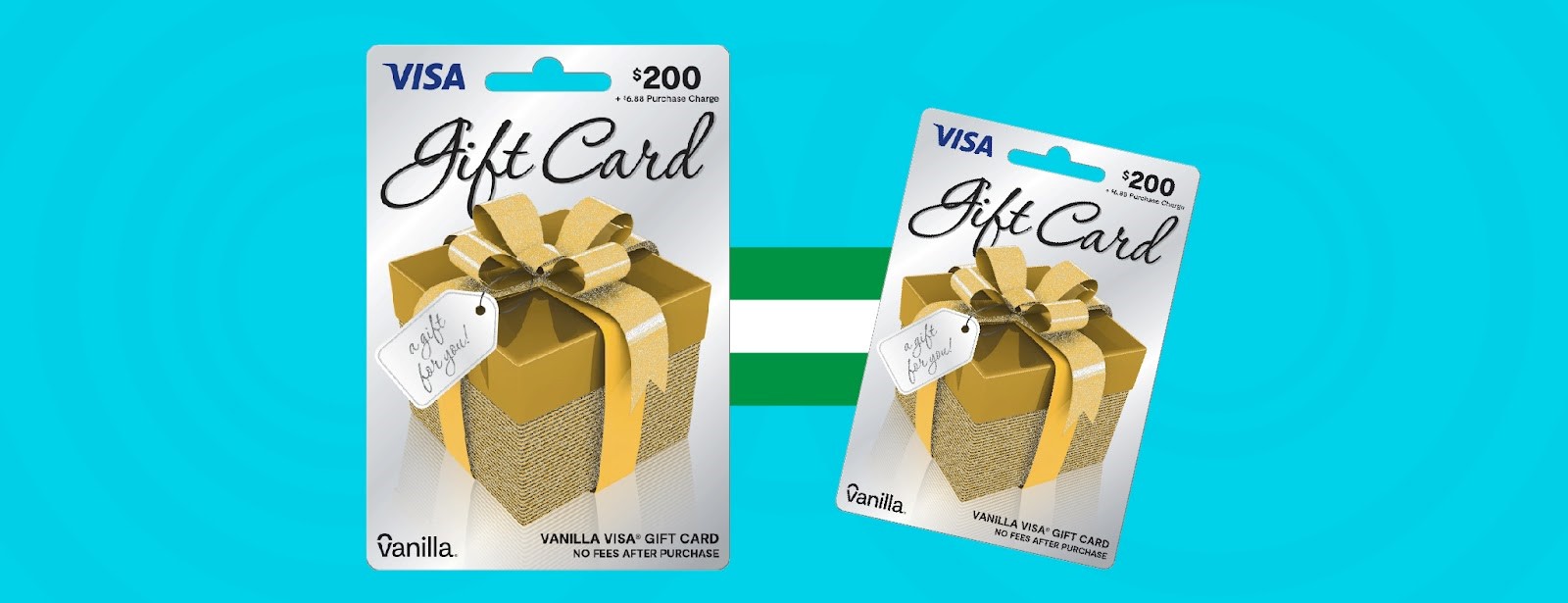
Have you ever wondered how to use your Visa gift card in a store without any hassle? Whether it’s a birthday present or a reward, your Visa gift card can be a handy way to shop.
But sometimes, the process can feel confusing or tricky. Don’t worry—this guide will walk you through every simple step to make sure you can use your card smoothly and confidently. Keep reading to unlock the secrets that will make your next shopping trip easier and stress-free.
Understanding Visa Gift Cards
Visa gift cards offer a flexible way to shop without carrying cash or using your personal credit card. They function much like debit cards but are preloaded with a set amount of money. Understanding how these cards work can save you time and avoid confusion at checkout.
What Is A Visa Gift Card?
A Visa gift card is a prepaid card loaded with a specific amount of money. You can use it anywhere Visa is accepted, including stores, restaurants, and online shops.
Unlike credit cards, you cannot spend more than the amount on the card. This makes it easy to control your budget.
How Does A Visa Gift Card Work?
When you swipe or enter the card for payment, the purchase amount is deducted from the card balance. If you buy something worth less than the card’s value, the remaining balance stays on the card for future use.
Keep track of your balance by checking online or calling the number on the back of the card. This helps you avoid declined transactions at checkout.
Where Can You Use Visa Gift Cards?
You can use Visa gift cards in most places that accept Visa debit or credit cards. This includes:
- Retail stores
- Restaurants and cafes
- Gas stations
- Online shopping websites
Be aware that some places may not accept prepaid cards, such as certain utility companies or rental services.
Important Tips To Remember
- Sign the back of your card immediately to prevent unauthorized use.
- Keep the receipt until you’ve used the full balance.
- Check for expiration dates and fees, as some cards may have monthly maintenance charges.
I once tried to use a Visa gift card without checking the balance. The transaction was declined, which was embarrassing at the checkout line. Checking your balance first can save you from this hassle.

Credit: www.tiktok.com
Checking Card Balance
Checking your Visa gift card balance is essential before shopping. It helps you know how much money you can spend. This avoids declined transactions at the checkout. There are two easy ways to check your balance: online and by phone. Both are quick and simple.
Online Balance Inquiry
Visit the official website printed on the back of your card. Enter your card number and security code as requested. Some sites ask for your expiration date too. After submitting, your current balance will display on the screen. You can check your balance anytime, day or night. Keep your card information safe while online.
Phone Balance Check
Call the toll-free number on the back of your Visa gift card. Follow the automated prompts to enter your card details. The system will read out your remaining balance. This method works well if you prefer speaking or do not have internet access. Make the call from a quiet place for clear instructions.
Preparing For In-store Use
Preparing your Visa gift card for in-store use makes shopping smooth. Knowing where to use it and understanding any purchase limits helps avoid surprises at checkout. Taking a few moments to prepare lets you enjoy your shopping without stress.
Locating Accepted Stores
Visa gift cards work like regular credit cards. Most stores that accept Visa also accept these cards. Check the store’s payment options before shopping. Big retailers, restaurants, and many small shops usually accept them.
Use the Visa website or app to find places near you. Some stores might not accept prepaid cards. Calling the store ahead saves time and confusion.
Understanding Purchase Limits
Visa gift cards have a set balance. You cannot spend more than the card amount. Some stores may limit how much you can spend in one purchase.
Check your card balance before shopping. Keep receipts to track spending. If your purchase is higher than the card balance, ask if the store allows split payments.

Credit: thepointsguy.com
Using Visa Gift Card At Checkout
Using a Visa gift card at checkout is simple and fast. It works like a regular credit or debit card. You can use it in stores that accept Visa cards. The cashier will guide you through the process.
Swiping Or Inserting Card
Swipe your Visa gift card through the card reader. If your card has a chip, insert it into the chip reader. Wait for the machine to read your card. Keep the card in place until the machine prompts you to remove it.
Entering Pin Or Signature
Some purchases ask for a PIN. Enter the PIN if your card came with one. If you don’t have a PIN, sign the receipt. The cashier may ask for your signature instead. Sign clearly to complete the payment.
Troubleshooting Common Issues
Using a Visa gift card in a store can sometimes lead to issues. These common problems may cause frustration during checkout. Understanding how to solve these can save time and hassle.
Most problems arise from simple mistakes or card restrictions. Knowing the right steps helps you handle these quickly. Let’s explore some common issues and their solutions.
Declined Transactions
Declined transactions happen for several reasons. The card balance might be too low for the purchase. Some stores require a signature or ZIP code, which might not match the card’s details. The card could also be expired or not activated.
Check these points to avoid declines:
- Confirm the card has enough funds.
- Enter the correct ZIP code if requested.
- Make sure the card is activated before use.
- Try using the card as credit, not debit.
Card Not Working Solutions
When a Visa gift card does not work, try these fixes:
- Check the card balance online or by phone.
- Verify the card is activated and not expired.
- Use the card for a smaller purchase to test it.
- Ask the cashier to try swiping the card differently.
- Call customer service for help with errors.
Following these steps often resolves the issues. Always keep your card information handy for quick support.

Credit: thepointsguy.com
Maximizing Your Card’s Value
Maximizing the value of your Visa gift card means getting the most out of every dollar loaded on it. It’s not just about spending the balance but spending it smartly. Small habits can help you stretch your card further, avoid losing funds, and even combine it with other payment options for bigger purchases.
Combining With Other Payment Methods
Ever faced a situation where your Visa gift card doesn’t cover the full price at checkout? Instead of leaving items behind, you can split the payment. Many stores allow you to pay part of the bill with your gift card and cover the rest with cash, debit, or credit.
Make sure to tell the cashier upfront you want to use two payment methods. Some registers need to process the gift card payment first, then the remainder. This approach prevents declined transactions and saves you time.
Another way to combine payments is using mobile wallets. If your Visa gift card can be added to Apple Pay or Google Pay, you might find it easier to manage multiple cards and payments in one place. Have you tried blending your gift card with other payment tools to avoid awkward moments at checkout?
Tracking Spending
Tracking your Visa gift card balance is crucial to avoid surprises. Many people forget how much is left until they try to pay and get declined. You can check your balance online or call the number on the back of the card anytime.
Keep a simple log on your phone or notebook. Every time you spend, jot down the amount and new balance. This habit not only helps you stay within budget but also alerts you to any unauthorized charges.
Some apps can link your gift card and track spending automatically. These tools send reminders when your balance is low. Wouldn’t it be easier to avoid overspending with a quick balance check before shopping?
Protecting Your Visa Gift Card
Protecting your Visa gift card is essential to keep your money safe. Treat the card like cash. Losing it or sharing details can lead to unauthorized use. Keep track of your card and information at all times. Follow simple steps to guard your card from theft or loss.
Safeguarding Card Information
Never share your card number or PIN with anyone. Store your card in a safe place, away from easy reach. Avoid writing down card details where others can find them. Use your card only at trusted stores. Check receipts and balance regularly to spot any unusual activity.
Reporting Lost Or Stolen Cards
Report lost or stolen cards quickly to prevent misuse. Find the customer service number on the card packaging or receipt. Provide your card number and details about when you lost it. Ask if the remaining balance can be transferred to a new card. Act fast to protect your funds from fraud.
Frequently Asked Questions
How Do I Activate My Visa Gift Card For In-store Use?
Most Visa gift cards are activated at purchase. Check the back of the card for activation instructions. You may need to call or visit the issuer’s website to complete activation before use.
Can I Use A Visa Gift Card Anywhere Visa Is Accepted?
Yes, Visa gift cards work anywhere Visa debit cards are accepted. This includes retail stores, restaurants, and online shops. Always ensure the card has enough balance for your purchase.
What Should I Do If My Visa Gift Card Is Declined?
If declined, check the card balance and activation status. Ensure the store accepts Visa gift cards. Contact the card issuer’s customer service for help resolving the issue.
Can I Get Cash Back With A Visa Gift Card In Stores?
Some stores allow cash back with Visa gift cards. Ask the cashier before your purchase. Cashback availability depends on the store’s policy and your card balance.
Conclusion
Using a Visa gift card in stores is simple and quick. Just treat it like a regular credit or debit card. Remember to check your balance before shopping. Keep your card safe and use it before it expires. Most stores accept Visa gift cards without any trouble.
This makes them a handy way to pay. Enjoy the ease and flexibility these cards offer. Shopping becomes easier with a little preparation. Now, you can confidently use your Visa gift card in any store.

Similar Posts































